
Download Android-x86 – install Android on PC, run Android on desktop, Android for Intel, Android on AMD, free Android OS
Overview
Android-x86 is a free, open-source project that enables users to install Google’s Android operating system on Intel and AMD-based computers, including desktops and laptops. Originally developed as a netbook solution, it has evolved into a fully-functional operating system capable of running on a wide range of hardware configurations. The project is designed for users who want to experience Android outside of mobile devices, leveraging the full power of desktop computing environments.
By using the Linux kernel as its foundation, Android-x86 offers a familiar and stable base for users with experience in Linux systems. It transforms a PC into a tablet-like interface, allowing interaction via keyboard and mouse instead of touch. This makes it particularly useful for developers, testers, and tech enthusiasts who need to evaluate Android applications in a desktop environment. It also enables access to PC hardware features such as USB ports, internet connectivity, and high-performance processors, which are not typically available on mobile devices.
Although the developer did not provide additional technical details about the project’s origins or team structure, its long-standing presence in the open-source community reflects a strong commitment to accessibility and innovation. The project is especially valuable in scenarios where virtualization or dual-boot setups are preferred over mobile emulation tools. Real-world use cases include application development, system testing, and educational demonstrations. In the broader app ecosystem, Android-x86 fills a niche by bridging mobile and desktop computing, offering a unique alternative to conventional operating systems.
Key Features & Functionality
- Full Android OS on x86 hardware – Android-x86 delivers a complete Android experience on Intel and AMD processors, enabling users to run Android apps and services on desktops and laptops.
- Open-source and free to use – The project is completely free, with no licensing fees or hidden costs, making it accessible to developers, educators, and hobbyists.
- Virtualization support – Users can run Android-x86 in virtual machines using tools like VMware and VirtualBox, simplifying setup and enabling safe testing environments.
- Hardware compatibility – The system supports common PC components such as USB devices, network adapters, audio, and graphics, allowing full integration with desktop peripherals.
- Developer-friendly tools – Pre-installed utilities and configurations help developers build, debug, and test Android applications directly on a desktop environment.
For developers, this setup allows for efficient testing of apps without relying on physical devices or emulators. For example, a developer can install a custom APK, monitor system logs, and debug performance issues in real time using desktop-level tools. In educational settings, students can explore Android architecture and app behavior using a real OS environment.
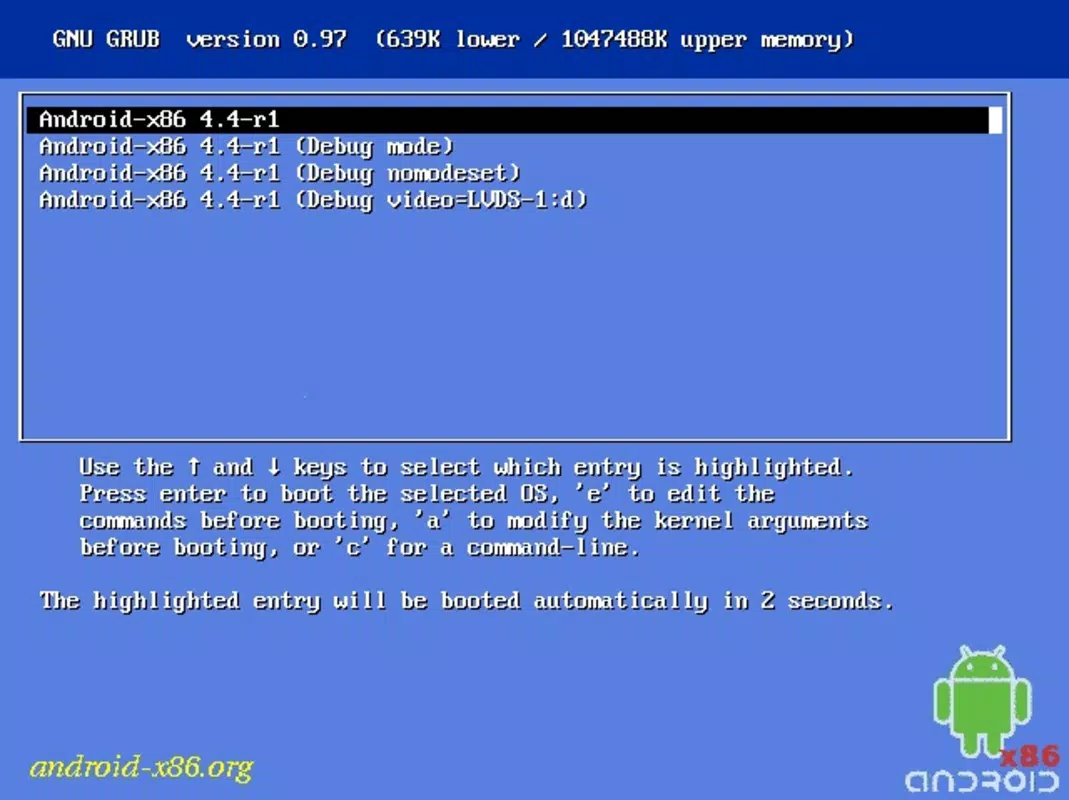
While not optimized for gaming due to limited app compatibility, Android-x86 excels in development workflows and system-level experimentation. The ability to boot from USB, ISO, or install directly to disk provides flexibility in deployment. Users can also configure multiple instances for different testing scenarios, enhancing productivity in software development and quality assurance.
Interface, UX & Performance
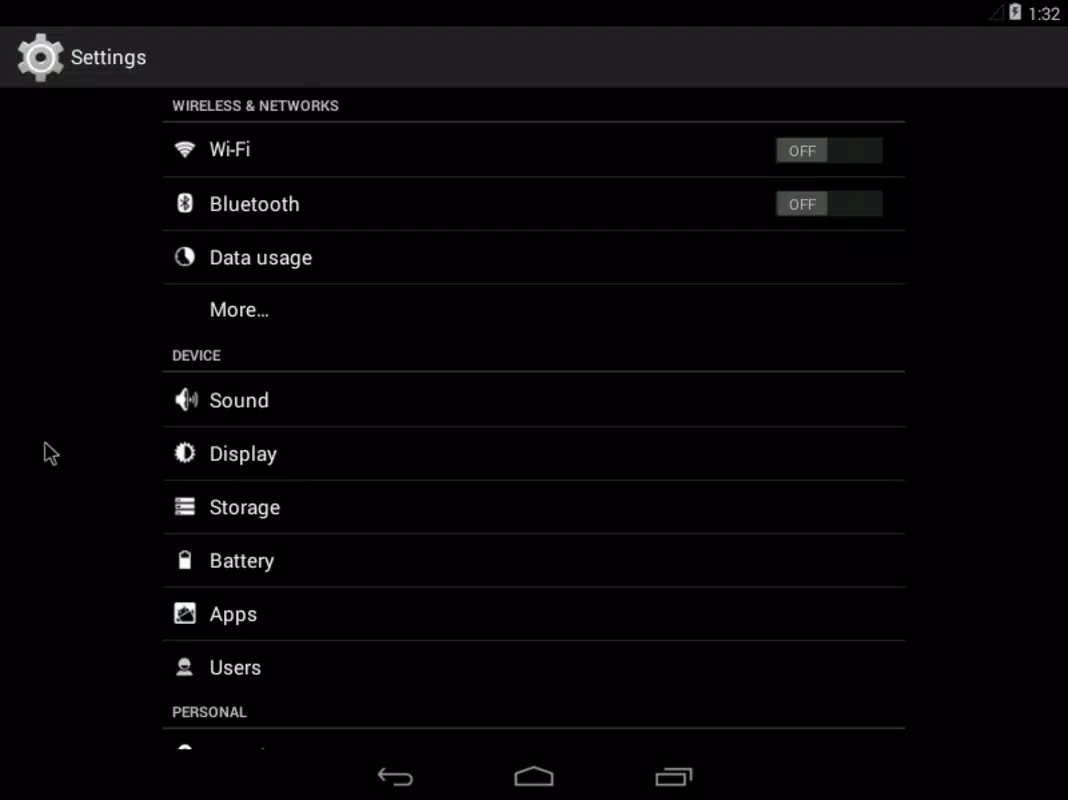
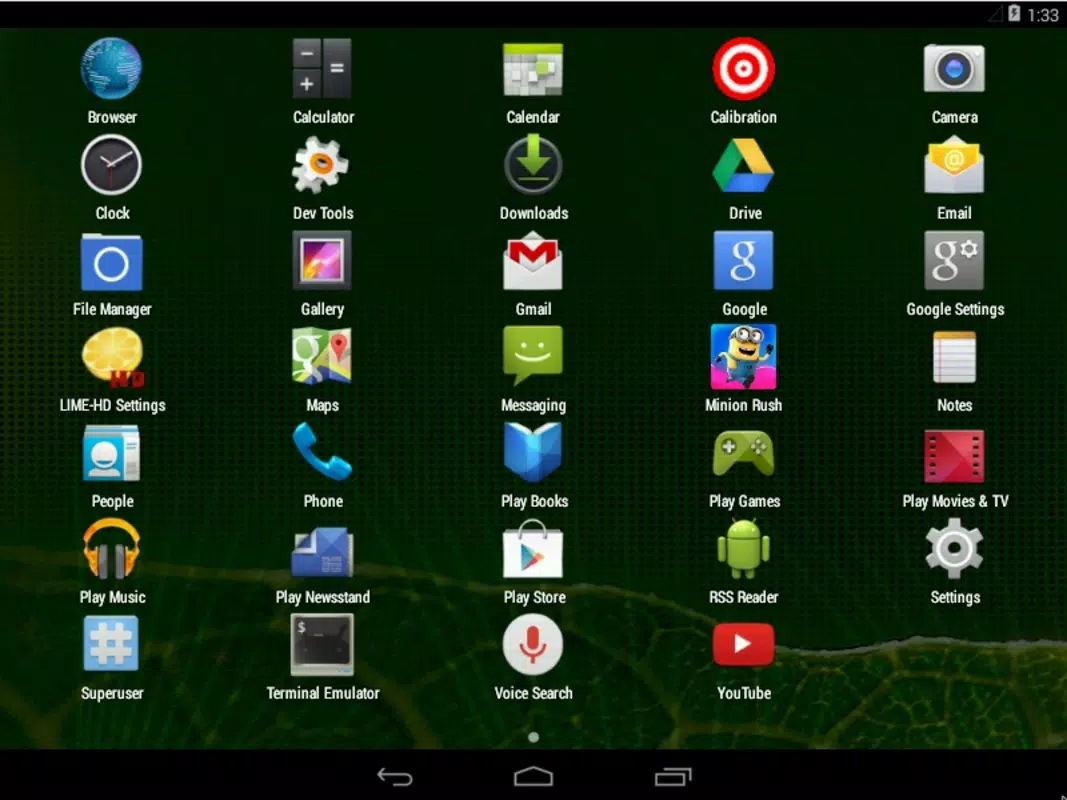
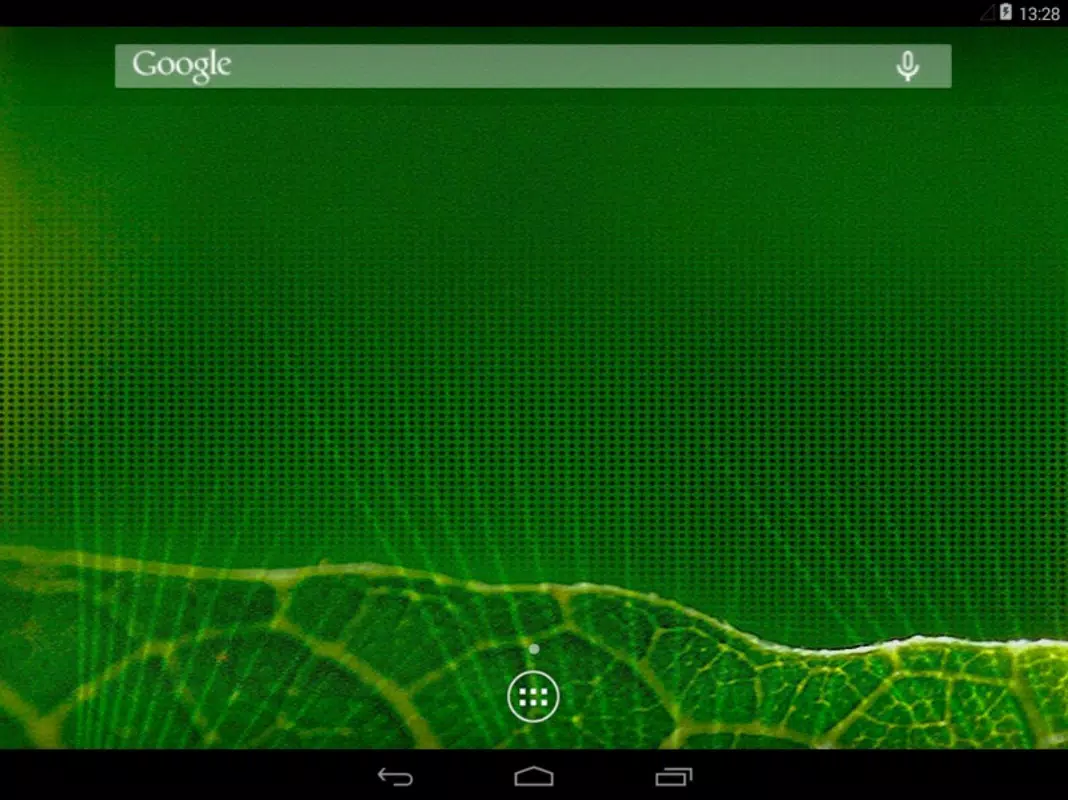
Android-x86 presents a tablet-style user interface that mimics the standard Android experience, adapted for keyboard and mouse input. The layout is clean and intuitive, with a home screen, app drawer, and system settings accessible through familiar navigation patterns. However, the absence of touch gestures means users must rely on keyboard shortcuts and mouse interactions, which may require an adjustment period for those accustomed to mobile interfaces.
The visual style remains consistent with Android’s design language, though some UI elements may appear slightly less refined than on official devices. Navigation is generally smooth, with minimal lag during app switching and system operations. Although the developer did not list formal performance metrics, the system runs efficiently on mid-to-high-end x86 hardware, particularly when used in virtualized environments. Responsiveness is acceptable for basic tasks such as web browsing, file management, and app testing.
Stability varies depending on hardware compatibility and configuration. Some users may encounter issues with graphics drivers or audio output, especially on older or less common devices. The developer did not specify minimum requirements, so performance on low-end systems remains uncertain. Overall, the user experience is solid for technical users and developers who prioritize functionality over polish. For casual users, the learning curve may be steeper due to the lack of mobile-optimized features.
Platform Compatibility & Technical Requirements
Android-x86 is designed for devices powered by Intel and AMD processors using the x86 architecture. It runs on standard PC hardware, including desktops, laptops, and virtual machines. The current version is 10.0, with a file size of 1.5 GB, making it suitable for installation via USB drive, ISO image, or direct disk partitioning.
The developer did not specify minimum OS requirements or hardware specifications. Compatibility information was not fully disclosed. Users should ensure their system supports booting from external media and has sufficient storage space. The project is not available on iOS or other mobile platforms, as it is intended exclusively for x86-based computers. For virtualization, support for VMware and VirtualBox is confirmed, but no official guidance was provided on specific versions or configurations.
Pros and Cons
Pros
- Free and open-source with no licensing costs
- Runs Android on Intel and AMD desktops and laptops
- Supports virtualization via VMware and VirtualBox
- Full access to PC hardware including USB, internet, and audio
- Optimized for developers and system testers
Cons
- Not all Android apps are compatible with desktop environment
- Limited touch-based interaction due to keyboard/mouse interface
- Some hardware drivers may require manual configuration
- Performance may vary on older or low-end systems
- Developer did not provide detailed system requirements
FAQ
Is Android-x86 safe to download and install?
Yes, Android-x86 is a legitimate open-source project. It is distributed through official channels and does not contain malware. However, users should always verify the source and integrity of downloaded files before installation.
Can I run Android-x86 on my Windows or Mac computer?
Yes, Android-x86 can be installed on Intel-based Macs and Windows PCs with x86 processors. It can be run via USB, ISO, or virtual machine software such as VMware and VirtualBox.
Do I need a physical Android device to use this OS?
No. Android-x86 allows you to run Android directly on a desktop or laptop without requiring a physical smartphone or tablet.
Is Android-x86 compatible with all Android apps?
Not all Android apps are fully compatible. Apps that rely heavily on touch input, sensors, or mobile-specific APIs may not function as expected. It is best suited for development and testing rather than daily use.
How often is Android-x86 updated?
Updates are released periodically by the development team. The latest version available is 10.0, with updates focused on stability, driver support, and compatibility improvements.
Final Thoughts
Android-x86 stands out as a powerful tool for developers, educators, and tech enthusiasts seeking to explore Android in a desktop environment. Its ability to run a full Android OS on x86 hardware, combined with virtualization support and open-source accessibility, makes it a compelling alternative to mobile emulators. While it may not be ideal for gaming or general consumer use due to app compatibility limitations, its strengths lie in development, testing, and system-level experimentation.
For those working with Android applications, the project offers a robust platform for debugging, performance analysis, and real-time testing. The integration with PC hardware enhances functionality beyond what’s possible on mobile devices. Although the user interface lacks touch optimization and some hardware may require manual configuration, the overall experience remains stable and functional for technical users.
Download Android-x86 now


